Deal
Deal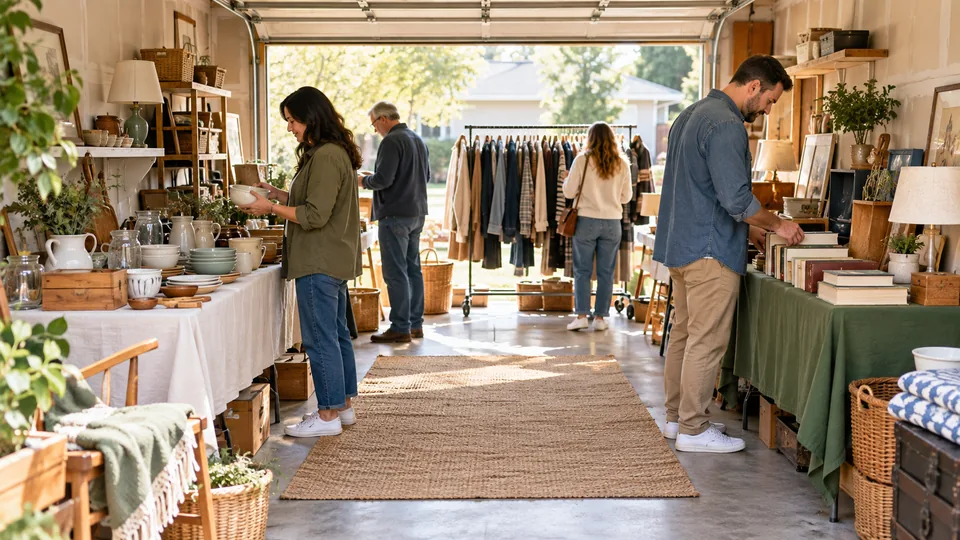
Step-by-step instructions
Measure the space people can actually use
Draw the boundaries, doors, slopes, steps and fixed obstacles. Reserve safe circulation before placing tables. Paths need to remain usable when someone stops to browse or carries a purchase. Do not rely on a single narrow channel that becomes blocked by a queue. The diagrams below are conceptual arrangements, not scaled accessibility or building-code plans; check your own space and applicable requirements.
Choose a layout that fits the venue
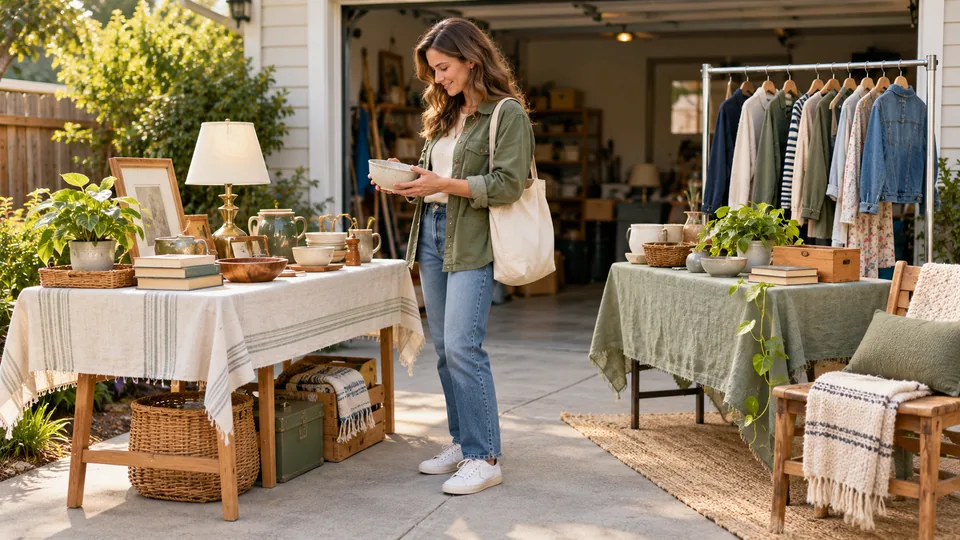
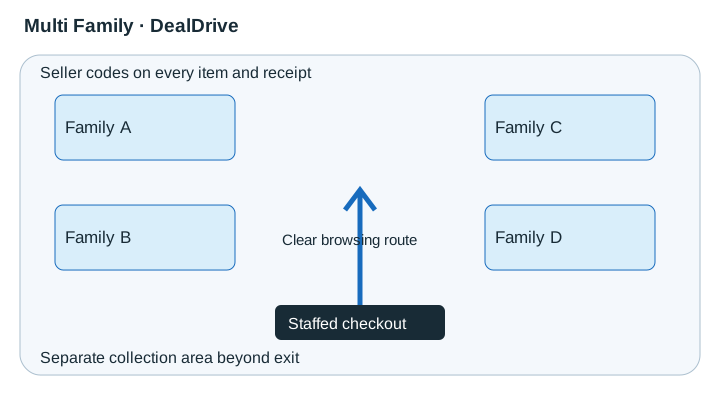
A small driveway often works with category tables along the sides and an open center. A single garage needs a clear entrance and separation from private storage. A double garage can use two browsing areas with a wide shared route. In a front yard, prefer stable surfaces and keep fragile goods away from uneven ground. A large multi-family event needs numbered areas, a visible information point and agreed collection routes.
Keep checkout visible without creating a bottleneck
Place a staffed payment station near the exit while leaving room for buyers to pass. Keep wrapping supplies within reach and spare cash out of view. A helper can wrap purchases while the cashier checks totals. For large goods, agree pickup arrangements at checkout and mark paid items clearly so they are not sold again.
Group goods around real shopping tasks
Clothing racks should be stable and grouped by size. Put books upright or in shallow boxes with spines visible. Place small kitchen goods in defined sets, tools where they can be supervised and furniture where measurements can be read without climbing over other stock. Keep children's browsing areas away from breakable goods and vehicle movements. Heavy goods belong on stable low supports.
Make labels readable from the browsing side
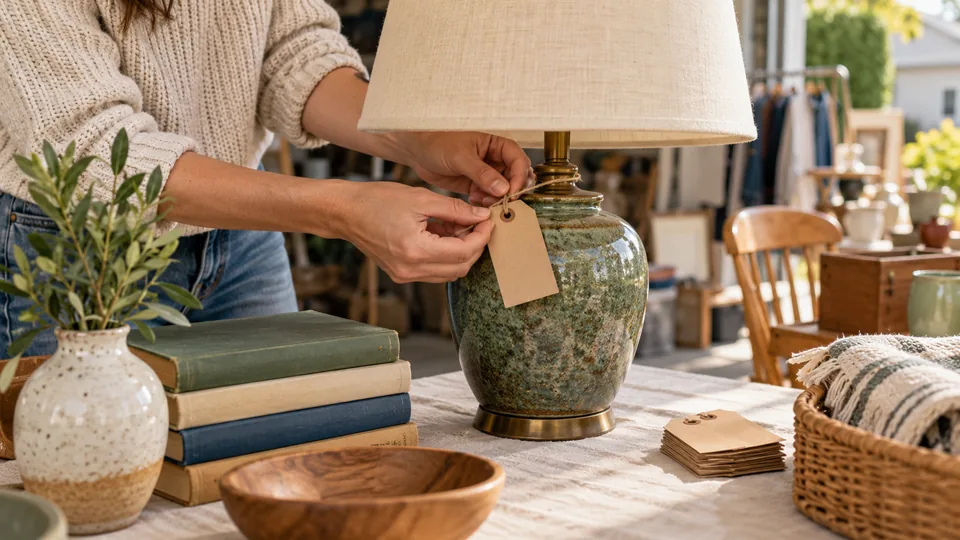
Use plain type, contrast and an unambiguous price. Attach labels without harming finishes. A sign reading 'All books on this table: $2 each' works only if every book on that table qualifies. Use a separate area for exceptions. Do not place posters where wind can send them into walkways.
Walk the route with a helper
Pretend to enter, inspect a low item, carry a bag, join checkout and leave. Check sightlines, corners and shade. Ask whether a person using a mobility aid can approach goods without moving furniture. Adjust the layout when queues form. Keep private doors secured, supervision continuous and emergency access unobstructed.
Five printable layout examples
Concepts, not to scale. Adapt paths and exits to the site and local requirements.
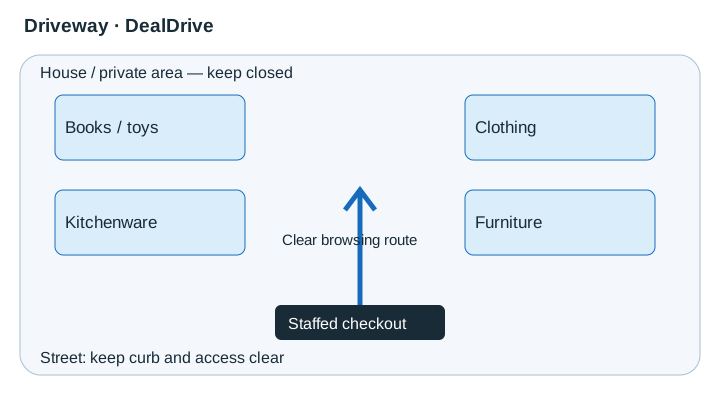 View diagram at full size (opens an enlarged view) ↗
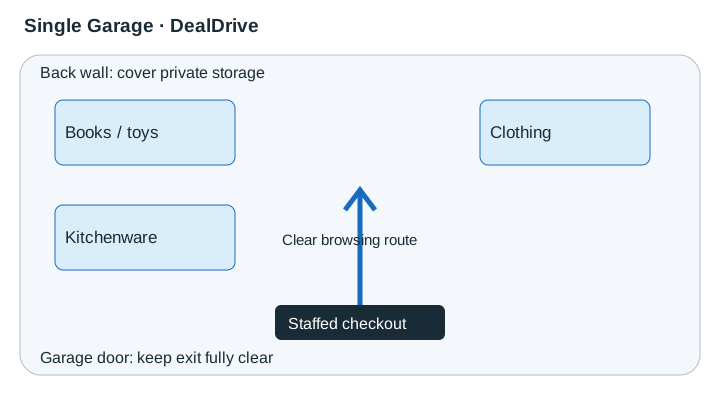 View diagram at full size (opens an enlarged view) ↗
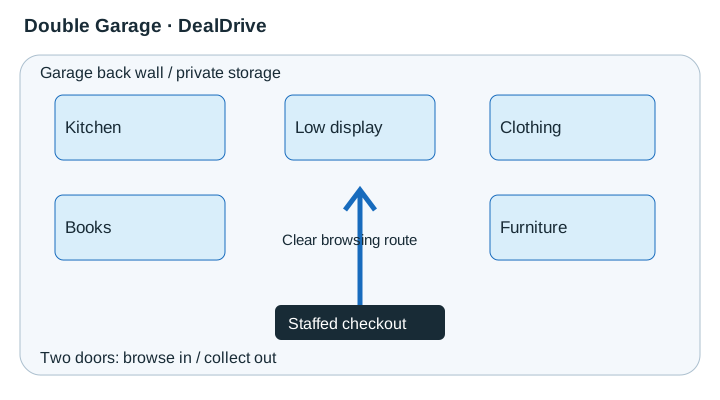 View diagram at full size (opens an enlarged view) ↗
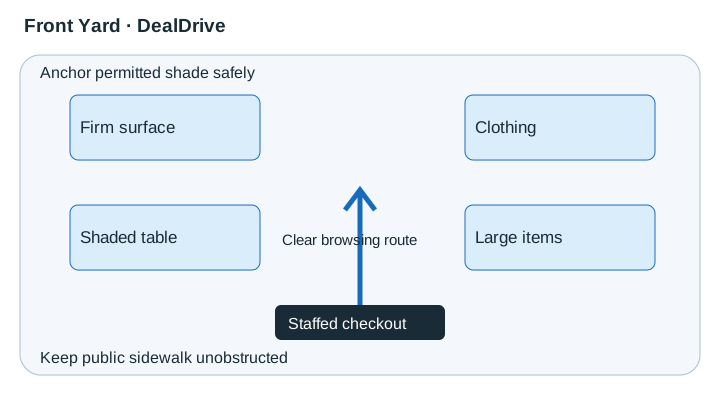 View diagram at full size (opens an enlarged view) ↗
 View diagram at full size (opens an enlarged view) ↗
Sketch the space first
Plan an entrance, a browsing route and a staffed payment point. Leave room to pass comfortably, including for people using mobility aids or pushchairs. Keep exits, driveways and public paths clear.
Use stable tables on suitable ground. Avoid overloaded stacks, trailing cables and rugs with curled edges. Walk through the space as a shopper before carrying everything out.
Group and display items
- Create sections for books, toys, tools, kitchenware and other categories.
- Hang clothing where practical, grouping by size and type. Fold remaining clothes neatly with visible size information.
- Position large goods where they are easy to see without obstructing access. Display dimensions and collection notes.
- Keep small pieces together in labelled bags or trays.
- Face price labels towards the browsing side.
Protect fragile and valuable goods
Keep delicate objects away from table edges and busy corners. Avoid displays that require someone to lift several fragile pieces to reach one.
Place small valuable goods near you and offer supervised inspection. Keep spare cash out of sight. Arrange helper cover whenever you leave the payment point.
Separate what is not for sale
Move household belongings and setup tools out of the sale area. Mark anything remaining 'Not for sale'. Secure entrances to private spaces.
Large furniture along one side, category tables around the available space, a clear route between them and a staffed payment point near the exit. Adapt this to your site rather than forcing a narrow one-way path.
Final walkthrough
- Prices readable without moving items.
- Walkways, exits and vehicle access clear.
- Heavy goods stable and fragile pieces protected.
- Private areas separate.
- A helper can supervise valuable goods and payments.
Adapt the drawing to the real site
Start with a blank sketch marking the street, property boundary, doors, steps, slopes and fixed obstacles. Reserve the circulation route before placing merchandise. A small driveway often works with tables along the sides; a single garage needs a clear approach to the door; a double garage can split browsing and collection only if both routes remain usable. In a yard, choose firm surfaces and consider how rain changes footing. For a multi-family event, use seller zones or owner codes that match the checkout system. None of these diagrams establishes a required aisle width or guarantees accessibility. Check the site's applicable requirements and test whether people using mobility aids can approach, browse and leave without moving stock. Ask a helper to stop at a table while you attempt to pass and adjust any pinch points.
Plan the details that do not appear on a floor plan
Where will a shopper put a selected item while reaching for another? Where will a helper stand without blocking checkout? Can someone inspect furniture without moving it into the path? Walk through these small actions before opening. Place bags and wrapping within the cashier's reach, protect fragile items from table edges and keep cords out of circulation areas. Use shade where suitable, with equipment installed safely, but retain a severe-weather plan. Do not direct visitors through private rooms to reach a display. Put large-item collection somewhere it can happen without interrupting every transaction, and decide who will supervise it. Recheck the layout as goods sell because empty cartons and shifted furniture can create new obstructions.
A real-world example
A two-table driveway sale places books and kitchenware on one side and toys and folded clothing on the other. A stable clothing rack sits beside, not across, the browsing route. Checkout is visible at the end; furniture collection is arranged separately so vehicles do not enter the browsing space.
Common mistakes
- Filling the center before reserving walking space.
- Hiding checkout behind a table of fragile goods.
- Using unsteady stacks or racks to gain display height.
Practical checklist
Frequently asked questions
How many tables do I need?
Use the number your space can accommodate safely. Fewer tidy displays with replenishment can work better than crowded tables.
Can I put goods on the ground?
Some bulky items may be shown low, but do not make shoppers reach across obstacles or block paths. Provide assistance where practical.
Where should valuable items go?
Within a staffed, visible area where inspection can be supervised without obstructing checkout.
Can a canopy make the sale weatherproof?
No. Follow its manufacturer instructions and local conditions. A canopy is not safe shelter from lightning.