Deal
Deal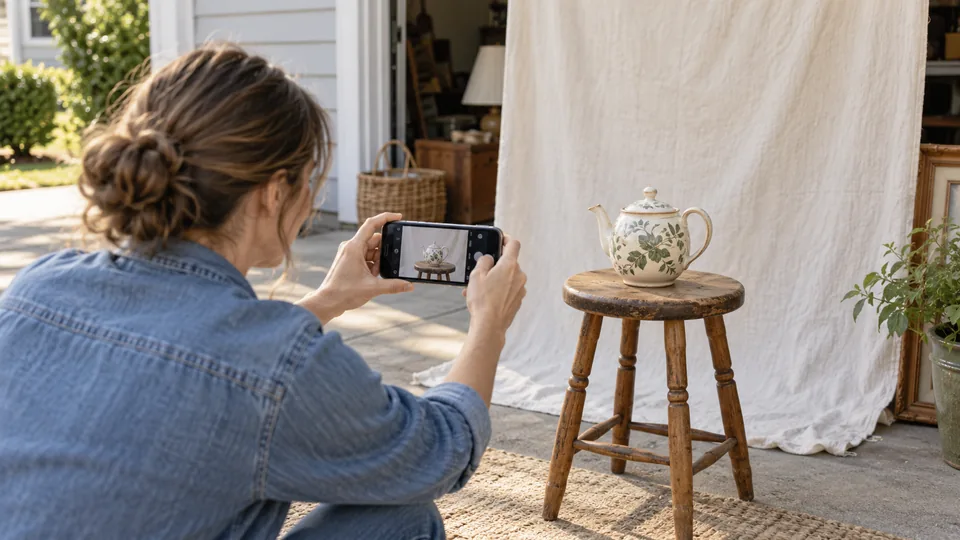
Step-by-step instructions
Prepare the frame
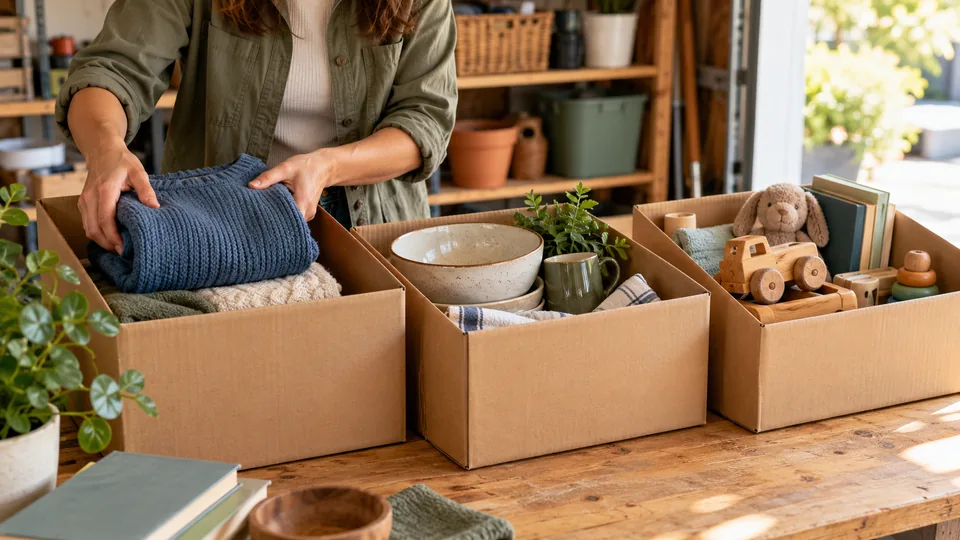
Clean appropriately and gather included accessories. Remove private documents, keys and faces without permission. Use a simple background that does not imply unrelated goods are included.
Use light carefully
Try bright indirect daylight. Avoid strong backlighting, reflections and filters that hide condition or change color. Check sharpness before moving the item.
Capture useful details
Photograph the whole item, important features, included pieces and defects. Include dimensions in the description. A recognizable label can help identify a model, but omit unnecessary private identifiers.
Review before sharing
Choose representative images rather than many duplicates. Update featured goods when they sell. Use only your own or appropriately licensed images and never imply stock photographs show your actual merchandise.
Before and after: make inspection easier
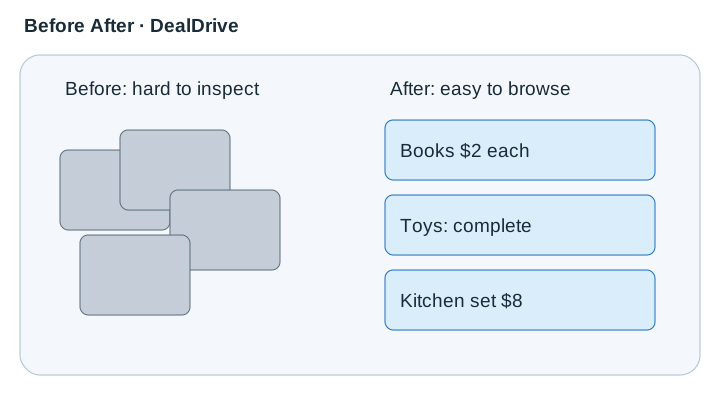 View diagram at full size (opens an enlarged view) ↗
Improve visibility without concealing defects.
Prepare the object without disguising condition
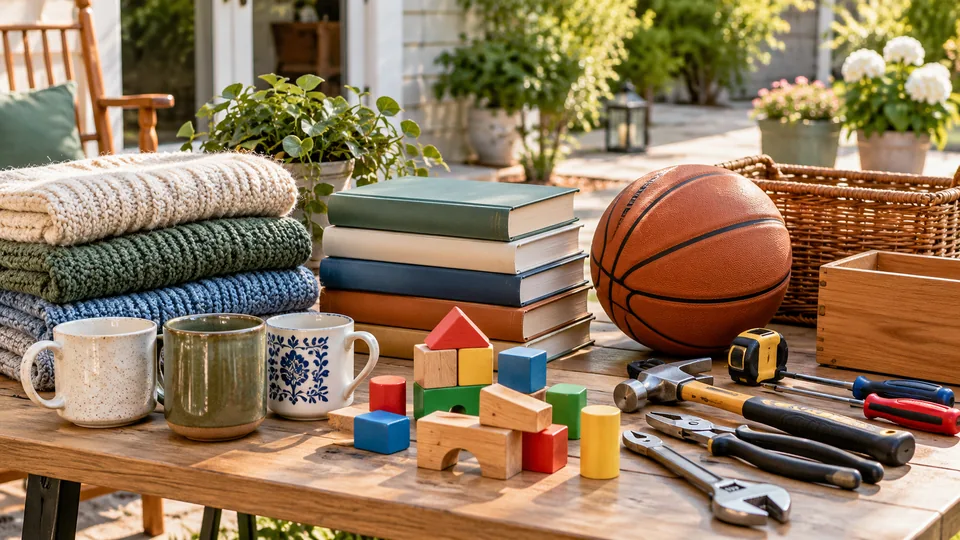
Clean ordinary surface dirt using an approach appropriate to the material, then check that you have not hidden labels or damage a buyer needs to see. For potentially valuable art, antiques or collectibles, avoid polishing or restoration before specialist advice. Put matching accessories together and remove unrelated objects from the frame. Use an uncluttered background with enough contrast to show the item's outline. The photograph should help a buyer understand what is included, not suggest that surrounding decor comes with it. Keep family photographs, mail, screens and identifying documents out of view. Check reflections in mirrors, glass and polished surfaces; they can reveal private rooms or the photographer even when the main frame looks clear.
Capture a small, useful sequence
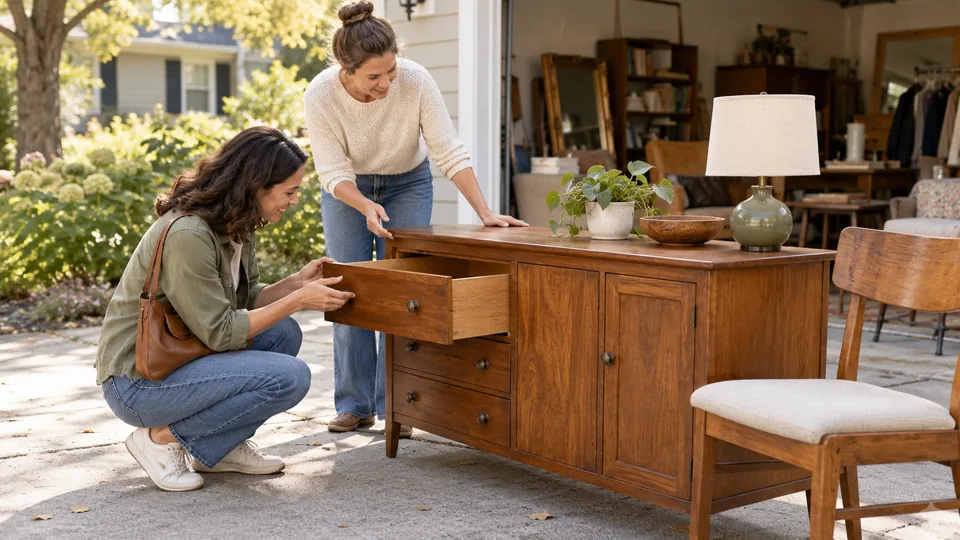
Begin with an overview showing the whole object, then add detail views of its useful features, model label when appropriate, included parts and disclosed defects. For furniture, show proportions and include dimensions in text. For clothing, show the overall garment and the size or care label without using a person who has not agreed to appear. For electronics, show the actual accessories and a legitimate test state without exposing accounts or messages. Avoid repeating nearly identical angles; three informative images can communicate more than ten redundant ones. Keep the camera steady, use even light and review focus before putting the goods away. Retake an unreadable image rather than relying on a caption to explain a blur.
Photograph the event honestly
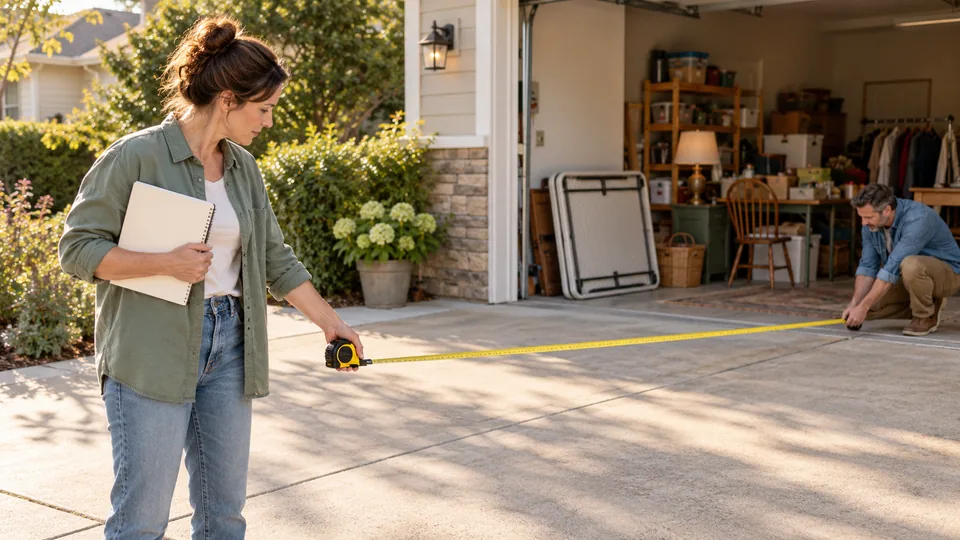
For the main sale photograph, arrange a representative selection that will actually be available. A close image of a few desirable items is useful when accompanied by an accurate description of the whole event. Do not use someone else's sale photograph or imply that a sold item is still available. Photograph displays before visitors arrive so you do not need to capture shoppers. If people or neighboring property are identifiable, seek permission or choose another angle. Avoid showing a precise private address where the listing is configured to hide it. When a major featured item sells or the sale is postponed, review the advertisement and replace outdated imagery where practical so the visual promise stays aligned with the event.
Export and review on a phone
Use the site's supported upload process rather than embedding large external image files into descriptions. Crop only to improve framing, not to omit a defect. Avoid aggressive filters or color changes that make fabric, wood or wear appear different. Review the uploaded result on a small screen: the important object should remain recognizable, text should not be the sole way to understand it, and captions should describe useful facts. Save the original photographs until the sale is complete in case you need to check a detail. The social-post tool can reuse the public listing image when supported; inspect its generated preview before exporting because cropping and text placement can change what viewers notice.
A real-world example
A desk is shown from the front and side, plus a close-up of a scratch. The listing includes measurements and explains that the nearby lamp is not included.
Common mistakes
- Cropping out defects that should be disclosed.
- Showing private addresses, documents or reflections.
- Using photographs of goods no longer available.
Practical checklist
Frequently asked questions
Should I hide scratches in the photos?
No. Clear condition photos reduce misunderstandings and support an honest description.
Do I need professional equipment?
A phone can be sufficient when lighting, focus, framing and accurate descriptions are good.
Can my photos reveal an address I chose to hide?
Yes. House numbers, mail, vehicle plates, reflections and distinctive views can expose details outside the listing's text settings. Review each photograph and use a neutral background when privacy matters.
How many views should I upload?
Use enough distinct images to show the whole item, useful features, included parts and defects. Avoid repeated angles that add file size without answering another buyer question.