Deal
Deal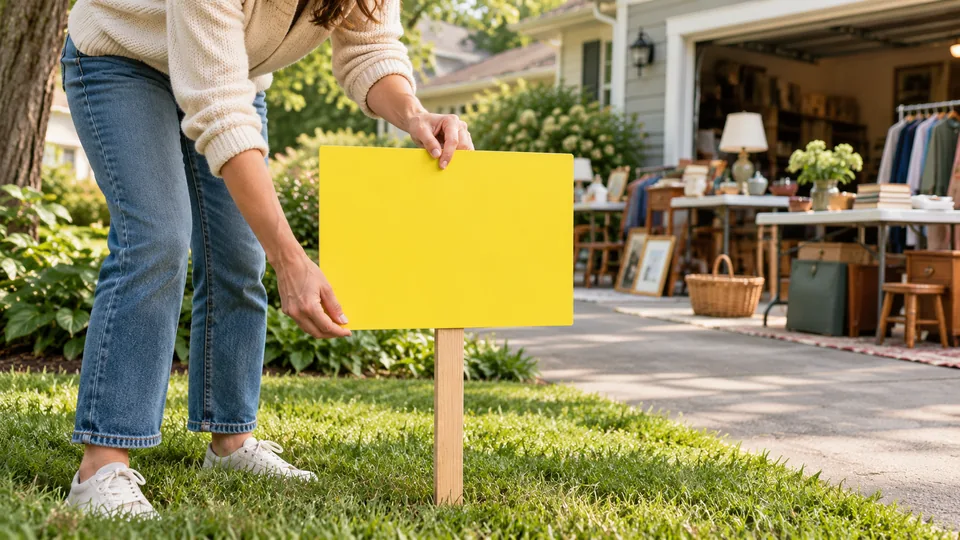
Step-by-step instructions
Check permission
Ask your municipality and property owner about placement, size, timing and removal rules. Poles, medians and public paths may have restrictions. Another seller's sign is not proof of permission.
Keep the message short
Use Garage Sale or Yard Sale, the date or hours and one clear arrow. Choose contrast and plain lettering. Put detailed merchandise information in the online listing.
Check the approach
A direction must make sense from the route a visitor takes. Avoid obstructing sightlines or creating distractions. Use consistent wording at each permitted decision point.
Print and remove responsibly
View a test print from a realistic distance on foot. If text is small, shorten it. Keep a list of sign locations and remove signs and attachments when the event ends or is cancelled.
Choose a message a moving reader can understand
A roadside sign has very little time to communicate. Lead with 'Garage Sale' or 'Yard Sale,' add the date or clear day, and use a directional arrow only when it is accurate from that approach. Keep the useful message large and high contrast. A long merchandise list or decorative script can crowd out the direction. Do not expect an A4 or Letter sheet to be readable from every road; intended viewing distance, speed, lighting and weather all matter. Use the sign generator to make a clean printable starting point, then assess it at the location from a safe pedestrian position. If the available placement cannot communicate clearly and lawfully, use a different permitted spot or focus on online directions.
Map each permitted placement
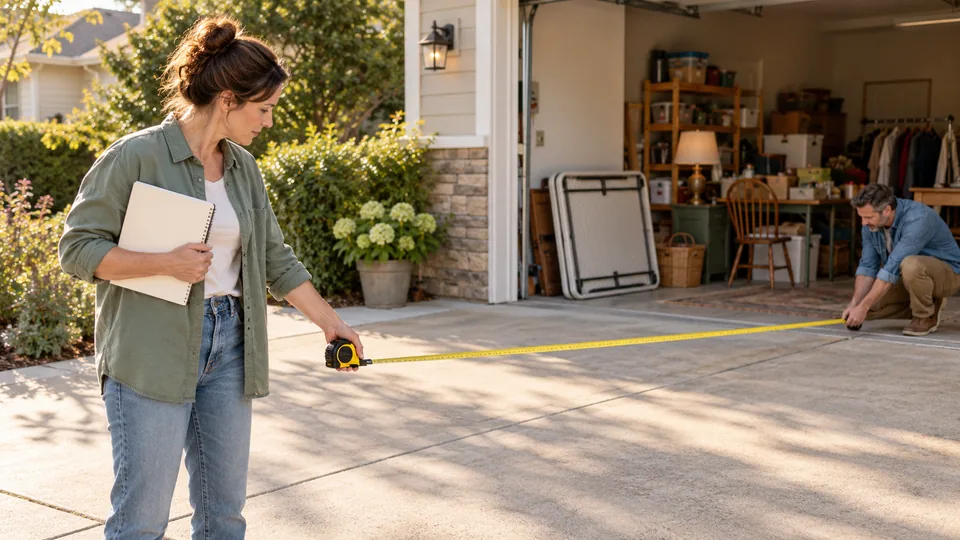
Draw a simple route from likely approaches and mark each proposed sign location. Check municipal rules for size, location, duration and removal, along with any property-owner or association permission. Rules differ between US and Canadian communities and may prohibit attaching signs to poles, trees or road infrastructure. Do not obscure traffic signs, pedestrian sightlines, accessible routes or drivers' views. Give each sign an identifier on the back and note who will install and remove it. A sign useful for one direction of travel may point the wrong way for the opposite direction. Choose the arrow while facing the sign as an approaching shopper would, rather than imagining it from your driveway.
Test the printed result
Print one proof before producing a batch. Select the intended paper size, examine the preview and check whether the browser has added margins, headers or footers that crowd the message. For a colored background, inspect a physical copy; some printers omit background colors unless enabled. Black on white is a practical fallback when ink is limited. Secure the sign using a method suitable for the permitted surface and conditions, without leaving loose material that could blow into traffic. Recheck it after installation. Rain protection cannot justify an unsafe placement, and temporary signage should not be left up when the sale is closed. Keep the online listing available so shoppers can confirm the full schedule.
Use signs as a coordinated system
Keep the sale name, dates and hours consistent with the DealDrive listing and social posts. If the sale moves or is postponed, remove obsolete signs promptly rather than adding a small correction that a passing reader might miss. Assign removal before opening; helpers are often tired at closing, so an explicit list prevents forgotten signs. Ask a few visitors how they heard about the event and record the broad source, such as 'street sign' or 'listing,' without collecting personal details. Treat those answers as informal evidence, not exact attribution. If visitors repeatedly mention a confusing turn, improve that sign's placement or wording next time within local rules. More signs are not automatically better than a few clear, permitted ones.
A real-world example
A sign reads 'YARD SALE / SAT 9–1' with a large left arrow and short location. The online link supplies photos and detailed merchandise information.
Common mistakes
- Using one arrow direction at every approach.
- Attaching signs without checking permission and local rules.
- Forgetting signs when the sale closes.
Practical checklist
Frequently asked questions
Can I attach signs to public poles?
Rules vary. Get the relevant permission rather than assuming this is allowed.
How large should the text be?
Large enough to read at the intended viewing distance. Test the actual print and simplify the message; a screen preview alone cannot guarantee readability.
Which direction should the arrow face?
Check the sign from the approaching shopper's viewpoint at each permitted location. The correct direction can differ between approaches; do not print every sign with the same arrow automatically.
When should I remove the signs?
Remove them when the advertised sale closes or is cancelled, within any stricter local deadline. Assign locations to helpers before opening and confirm each removal rather than relying on memory.