Deal
Deal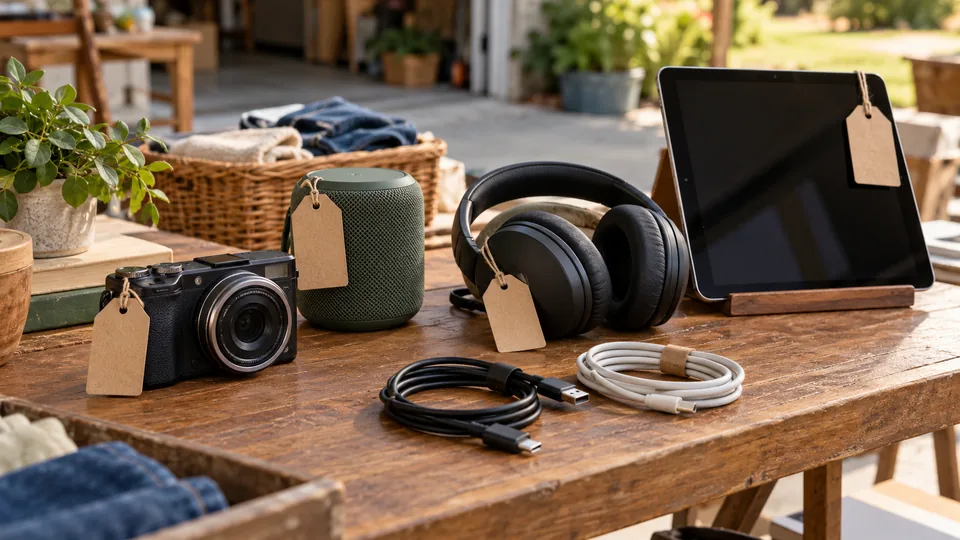
Step-by-step instructions
Identify the model
Similar devices can differ by generation, storage and connections. Record the actual model and check recalls. Avoid unnecessarily publishing private serial identifiers.
Test safely
Inspect condition and use the correct supply. Record which functions were tested and which remain unknown. Battery behavior and missing accessories affect usefulness. Do not power visibly damaged equipment for a demonstration.
Remove data and locks
Follow manufacturer guidance to back up data, sign out, remove linked accounts and reset. Remove SIM and storage cards where appropriate. Confirm a new user can activate the device.
Price using honest comparisons
Compare the same model, condition and accessories. Account for fees and shipping on other channels. Label tested limits and choose a private minimum; uncertain or unsafe goods need another appropriate route.
Identify the exact device and what is included
Find the model identifier, capacity or relevant specification, power requirements and included accessories. Similar-looking products can have different generations, connectors or capabilities. Keep serial numbers and account information out of public photographs when they are not needed to describe the item. Separate compatible chargers, remotes, manuals and cables so the buyer can see whether the package is usable. Do not improvise an unsafe power supply to demonstrate a device. Look for recalls and physical damage, including swollen batteries, damaged cords, corrosion or evidence of overheating. Stop using equipment that shows a safety problem and follow appropriate disposal or manufacturer guidance. A low price is not a reason to offer an unsafe device.
Write a test record instead of a vague guarantee
Choose a short set of relevant tests and record the results accurately. For a monitor, that might include powering on, displaying an image through the included cable and checking visible screen damage. For audio equipment, it might include the inputs and speakers you can safely test. State which functions were not tested. 'Powers on; USB port not tested' is more informative than 'works great' when you have not checked the port. Some products require specialized assessment or setup; do not claim functionality beyond your evidence. If a device is faulty, describe the fault clearly and consider whether a specialist parts channel is appropriate. Keep damaged or unsafe products out of the general sale.
Research value and protect personal data
Compare completed sales for the exact model, storage capacity, condition and accessories. Account locks, unsupported software, worn batteries and missing chargers can materially change usefulness and price. Record a few credible comparisons, then choose an asking price that reflects your verified condition rather than the original retail cost. Before sale, back up your own files, sign out of accounts and follow the manufacturer's instructions to remove device associations and erase data. A superficial file deletion may not be enough. Confirm that the device can reach its normal setup screen without exposing personal information. Do not sell a device still linked to an account you cannot legitimately remove; resolve that issue before accepting a buyer's money.
Demonstrate and negotiate within clear boundaries
Arrange demonstrations in a supervised, dry location with appropriate electrical protection and clear paths. Do not hand over account credentials or let strangers connect their storage devices to your personal computer. Explain what was tested and show the accessories included in the stated price. For example, a buyer may compare a tested speaker with charger against a cheaper untested unit; your job is to clarify that difference, not insist that your asking price is the only fair value. Agree on the final amount and verify payment before transfer. If uncertain about a valuable or complex device, pause the sale for research rather than accepting pressure. Use the inventory notes for test facts and condition, never passwords or sensitive buyer information.
A real-world example
A speaker pairs successfully, but its battery was not tested for a full cycle. The seller states that limit instead of promising all-day performance.
Common mistakes
- Calling an item fully tested after only powering it on.
- Leaving personal data or an account lock on a device.
- Using an incompatible charger to demonstrate it.
Practical checklist
Frequently asked questions
Does a factory reset remove every lock?
Not always. Follow the manufacturer's account-removal and activation instructions and verify the next owner can set it up.
Can I say 'fully tested' after switching it on?
No. State the functions you actually checked and the limits of the test.
How should a missing charger affect my price?
Research the cost and availability of the correct compatible charger and disclose that it is missing. A device a buyer cannot safely test or use may belong in a different comparison group than a complete tested unit.
What if the battery looks swollen?
Stop using the device and keep it out of the sale. Follow the manufacturer's and local hazardous-waste authority's handling guidance; do not attempt to demonstrate or ship a damaged battery casually.